Software Compatibility
Church Membership Information Software is supported by Toton Micro Software Consultants on the following editions of Windows 10 – Windows 10 Pro, Windows 10 Education, and/or Windows 10 Enterprise and is supported only on a specific Windows 10 release branch 1511 Current Branch for Business.
Installation Instructions
- Extract the .zip file into a temporary location on your computer.
- Navigate the extracted folder to setup.exe file.
- Double click on the setup.exe to start the installation.
- The application will be ready for use immediately after installation is done.
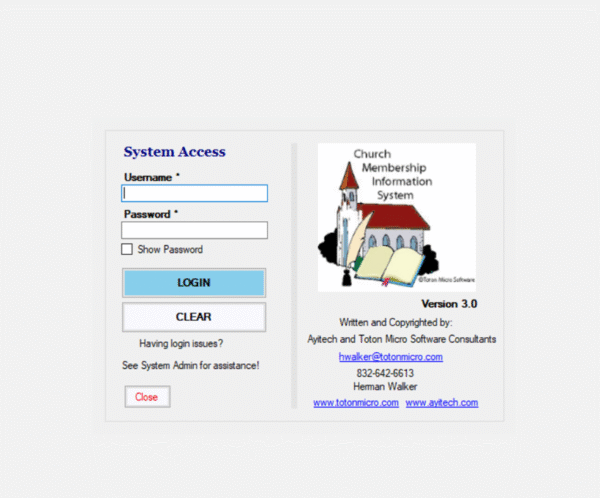
- First time user will need to create login credentials to gain access and usage.
Application Features
- Members Information Screen (Partial list of Fields)
- Member Name
- Spouse Name
- Address
- Date of Birth
- Number of Children
- Marital Status
- Born Again Date
- Marital Anniversary Date
- Date Joined Church
- Phone Numbers
- Comments
- Members Contribution Screen (Partial list of Fields)
- Type of Contribution/Donation
- Description of Contribution
- Date
- Amount
- Grid View of all Contributions
- Members Christian Education Screen
- Members Ministry Interest Screen
- Members Talent/Gifts Screen
|
- Visitor Information and Tracking System
- Visitor Contribution Screen
- General Contributions Screen
- Church Information Screen
- Church Picture on screen
- Church Leader or Family Picture on screen
- Church Location
- Church Phone
- Church Officials Information Grid
- More…
- More Features:
- Easy to use and Maintain
- Written to be VERY USER FRIENDLY
- No Special Computer Training Needed
- Written To Accommodate any Small, Medium or Large Congregations
- Single User or Multi-User Systems(5 User)
- Minimum Computer System Requirements
- Pentium III 500mhz or Higher
- 20gb Hard Drive
- 256kb Memory
- VGA Video
- Windows 7, 8, 8.1, 10
- Membership Data Entry Service available at a fee.
|



Reviews
There are no reviews yet.